CJIS audit preparation for a small agency
In a small police department or sheriff's office, the CJIS audit often lands on one person who also runs IT, manages the radio contract and fixes the printer. The audit is not a trick, but it does expect organized records and written policies that match what actually happens. This guide walks through how the state audit works, the role of the LASO, a 90, 60 and 30 day preparation plan, what documents to gather, what happens during interviews and the site visit, and how to handle corrective action afterward.

Key points
- Your state CJIS Systems Agency (CSA) audits local agencies at least once every three years.
- The Local Agency Security Officer (LASO) is the main point of contact and usually owns preparation.
- Start about 90 days before the audit with an inventory, then close gaps at 60 days and rehearse at 30.
- Auditors look for written policies, personnel records, technical evidence and agreements with vendors.
- Most findings fall into a few familiar categories, and most are fixable with records and process.
- After the audit, a corrective action plan with owners and dates closes the loop.
How the triennial CSA audit works
The CSA in each state is responsible for making sure agencies that access CJI through state and FBI systems follow the CJIS Security Policy. It does that through audits of local agencies at least once every three years. The FBI, in turn, audits each CSA on a triennial cycle, so the state has its own reasons to take local audits seriously.
The format varies by state. Many CSAs send a questionnaire ahead of time, ask for documents, then hold an on-site or remote session with interviews and a look at facilities and systems. Some states run technical audits and policy audits separately. Some include a check of how CJI is used, alongside the security review. Ask your CSA what format to expect, which version of the policy they audit against and what they want sent in advance.
The audit version matters during the move to v6.0. Many states still audit against v5.9.5 during the transition. Confirm which one applies to your audit.
The role of the LASO
Every agency that accesses CJI designates a Local Agency Security Officer. The LASO is the link between the agency and the CSA's security staff. Typical duties include identifying who uses CJI systems and how, making sure security policies are in place and followed, coordinating incident reporting and serving as the contact for audits.
In a small agency the LASO might be a sergeant, an IT manager, a records supervisor or a county IT employee. The role does not need to be full time, but it needs time set aside before an audit. If the LASO is new, ask the CSA for any LASO training or guides the state provides.
A small agency can make the LASO's job much easier with a few habits. Keep one list of people with access and update it the day someone joins, moves or leaves. Keep one folder for policies and one for evidence, with dates in the file names. Put the next audit date on the shared calendar on the day the CSA confirms it. None of this costs money, and all of it pays off when the questionnaire arrives.
If the county or city provides IT services to the agency, agree early on who prepares which part of the audit. The auditor will ask about network devices, firewalls, backups and accounts that the county may manage, and the LASO needs those answers in hand.
Take inventory 90 days before the audit
Three months before the audit, the goal is to know what you have and what is missing.
- Confirm the audit date, format and policy version with the CSA, and ask for any questionnaire early.
- List every system that stores, processes or transmits CJI, including mobile devices in vehicles and any cloud services.
- List every person with unescorted physical or logical access to CJI, including vendors and contractors.
- Gather your written security policies and note the last review date of each.
- Gather agreements: the CJIS Security Addendum with each private contractor, management control agreements with any government noncriminal justice agency and any interagency agreements.
- Make a gap list, with an owner and target date for each item.
Close the gaps 60 days before the audit
With the inventory done, spend the next month fixing what you can.
- Get overdue security awareness training completed and record the dates.
- Confirm a fingerprint-based check is on file for each person with access, and escort or remove access for anyone without one.
- Update policies that are out of date or that describe a process you no longer follow.
- Check multi-factor authentication on every account that can reach CJI, including remote and vendor accounts.
- Confirm encryption for CJI in transit and at rest outside secure locations, and note the FIPS validated modules used.
- Review audit logging, and start recording log reviews if you have not been.
- Remove accounts of people who left and check badges and keys.
- Ask each vendor for current evidence of their own controls.
Rehearse 30 days before the audit
In the last month, prepare to answer questions calmly and quickly.
- Walk through the CSA questionnaire and write answers, with the document that supports each one.
- Put all documents in one folder or system, organized the way the auditor will ask for them.
- Brief the people the auditor may interview, such as dispatch, records and IT, on what policies say and where to find them.
- Walk the building with fresh eyes: screen positions, visitor logs, secure area doors, media storage and disposal.
- Test your incident response contact list and make sure it is current.
The document list
Every state has its own list, but most auditors ask for something close to this:
- Written security policies and procedures, with review and approval dates.
- Personnel list with access type, background check dates and training records.
- Signed Security Addendum and certification pages for contractors.
- Management control agreements and other agreements covering CJI access.
- Network diagram showing systems with CJI and their connections.
- Evidence of multi-factor authentication and password settings.
- Evidence of encryption, such as configuration screenshots and module validation details.
- Audit log settings and records of log reviews.
- Incident response plan and any incident reports.
- Media sanitization and destruction records.
- Visitor logs for physically secure locations.
Interviews and the site visit
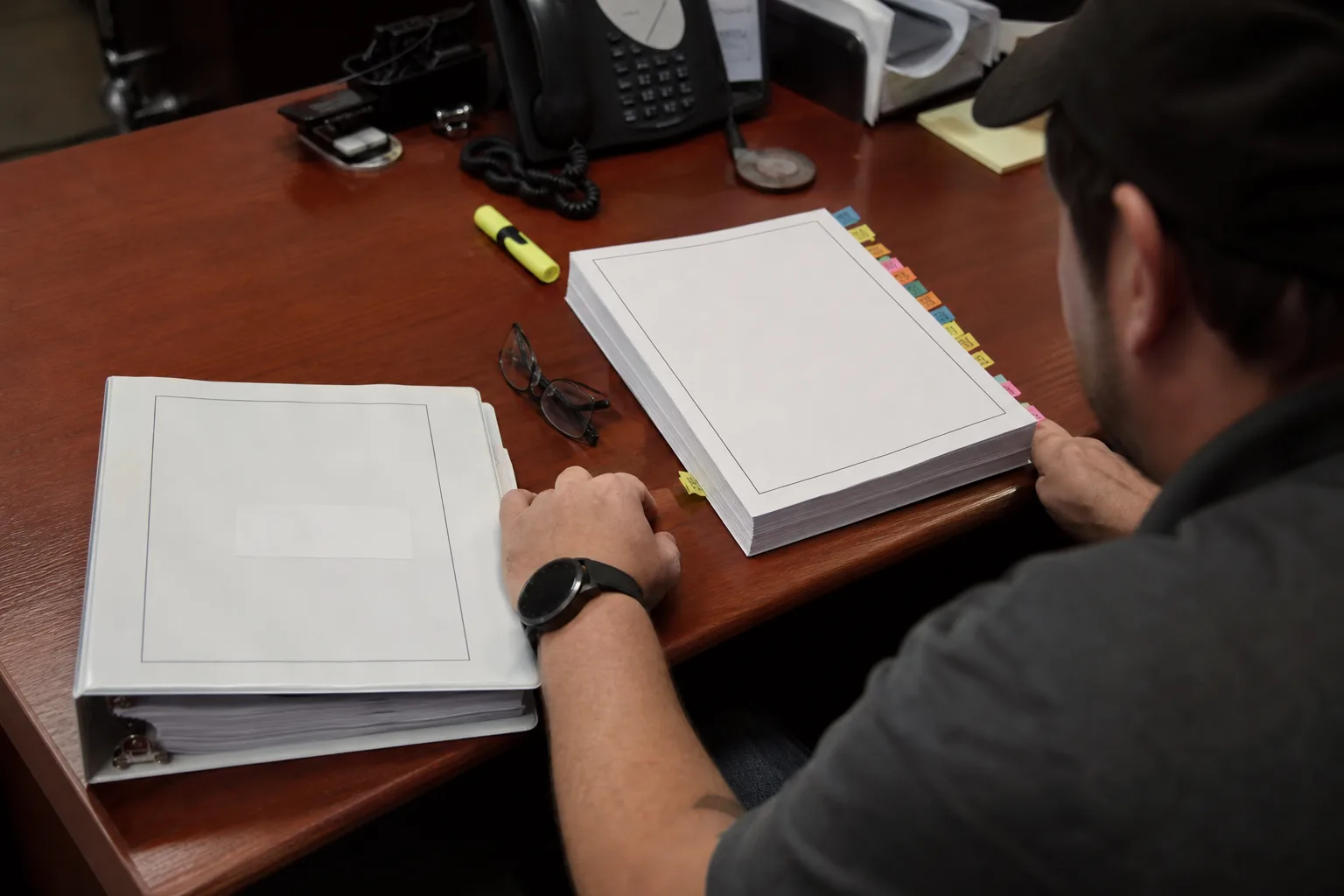
During the audit, expect questions to staff about their daily work: how they log in, what they do with printed CJI, how they would report a problem. The auditor is checking that practice matches policy. Short, honest answers work best. "I don't know, but our policy is in this binder and the LASO handles that" is better than a guess.
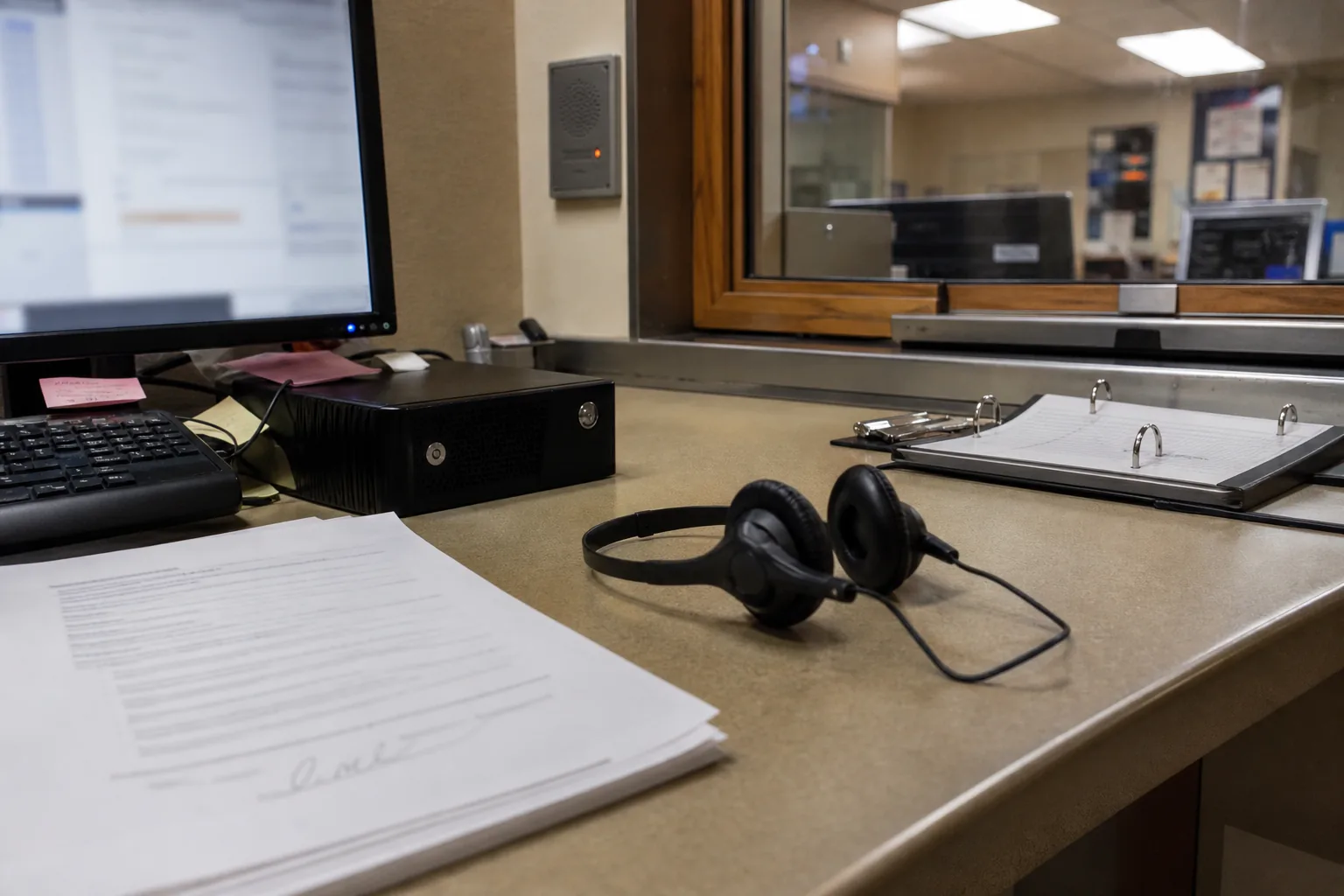
On the site visit, auditors usually look at physical security of areas with CJI, screen placement, visitor controls, how media is stored and destroyed and whether mobile devices are protected. If systems are hosted elsewhere, they may ask how you confirmed the host meets the policy.
Remote audits work the same way, with screen sharing in place of a walk-through. Have the systems, settings and documents ready to show, and test the meeting link beforehand. If the auditor asks for something you cannot find, write it down, say when you will send it and follow up the same week.
Evidence from vendors
Small agencies rely on vendors for records management, dispatch, mobile data, body-worn cameras and IT support. The auditor will want to know that each vendor with access to CJI signed the Security Addendum, that their staff with access passed fingerprint-based checks and training and that the vendor's systems meet the policy. Ask vendors for an evidence package well before the audit, not the week before. A vendor that already keeps its records organized can send it quickly.
A simple request letter helps. Ask each vendor for the signed Security Addendum and certification pages for staff with access, confirmation of fingerprint-based checks and training, a short description of security controls such as MFA, encryption and logging, and the name of a contact for security incidents. File the answers next to the agreement.
Common findings and corrective action
Findings are specific to each audit, but they tend to fall into familiar groups:
- Missing or outdated written policies.
- Training not completed on time for some personnel.
- Personnel with access but no fingerprint-based check on file.
- Missing multi-factor authentication for some access paths, often remote or vendor access.
- Encryption gaps, or no proof that validated modules are in use.
- Logging enabled but no record of review.
- Missing agreements with contractors or noncriminal justice agencies.
- Physical security issues such as screens visible to visitors or incomplete visitor logs.
None of these require a large budget to fix. Most are closed with a written policy, a completed record, a configuration change or a signed agreement. The important part is to fix them in a way that stays fixed, with a reminder or a review date, so the same finding does not return three years later.
If the audit produces findings, the CSA will usually ask for a response and a plan within a set time. Write a corrective action plan that lists each finding, the fix, the owner and the target date. Keep evidence of each fix as you complete it and send updates as the CSA requests. Then use the same list as the start of preparation for the next audit, so you never start from zero again.
How Cjis helps a small agency prepare
Cjis gives the LASO one place for the whole audit. The readiness assessment shows gaps by policy area and priority. The requirements checklist turns each gap into a task with owner, due date and evidence. Policy templates come with version history and review dates. The personnel register tracks background checks and training, with reminders before anything expires, and the audit date countdown keeps the plan on schedule.
The agency report exports an assessment summary, control status, policy list, personnel table and evidence index as one PDF. Cjis never stores CJI, it is not affiliated with the FBI or the CJIS Division and it is not legal advice.
Start your audit plan today
See where you stand before the auditor does. Read how the CJIS audit works, work through the CJIS compliance checklist, start from our CJIS policy templates and see how CJIS compliance for agencies works in Cjis.