CJIS compliance for agencies that run on CJI every day
Your officers, dispatchers and clerks depend on access to state and FBI systems. That access depends on passing your CSA audit. Cjis gives your LASO one place to keep training, background checks, policies, vendor evidence and controls current, so the audit is a review of records you already have, not a scramble to find them.
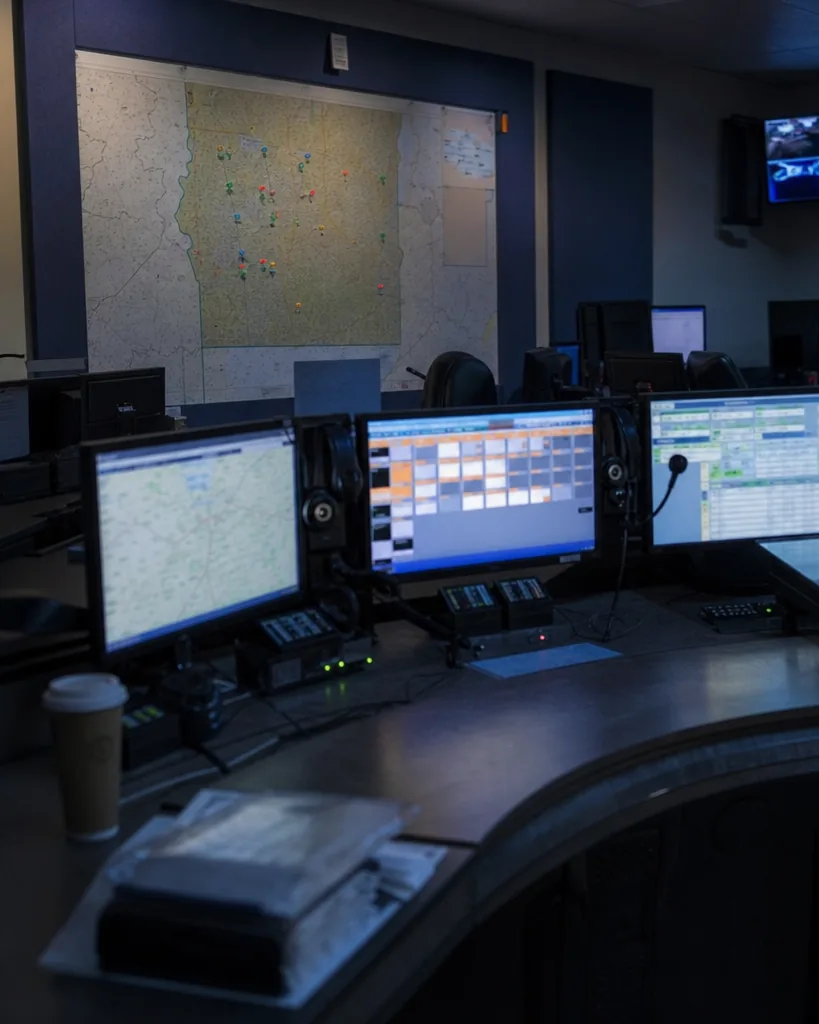
For every agency that touches criminal justice information
Any agency that accesses CJI is responsible for meeting the CJIS Security Policy, whatever its size. Small departments often have one person doing this part time on top of IT. Cjis is built for that person and for larger teams alike.
- Police departments and sheriff's offices
- Courts, clerks of court and prosecutor's offices
- Corrections, jails and probation
- County and city IT departments supporting several justice agencies
- Dispatch and emergency communications centers
Support for the LASO instead of more paperwork
The Local Agency Security Officer is the agency's point of contact with the state CJIS Systems Agency. The LASO makes sure personnel security, training, incident reporting and technical controls are in place and documented, and is usually the person who sits with the auditor. In many agencies the LASO is also the IT manager, a sergeant or a records supervisor. Cjis gives that person a checklist, a register and reminders, so the role does not depend on memory.
- One requirements checklist mapped to the CJIS Security Policy areas
- Owners and due dates for every open item, so the LASO is not the only one working on it
- Incident response plan and test records kept with the plan itself
- A clear view of what is ready and what is not before the auditor asks
Ready for the triennial CSA audit
Your state CSA audits local agencies at least once every three years, and the FBI audits each CSA on its own triennial cycle. Many states still audit against v5.9.5 while v6.0, organized around NIST SP 800-53 Rev. 5 control families with priorities P1 to P4, phases in. Cjis maps your record to both, so you can answer in the version your auditor uses. State rules vary, so always confirm scope and version with your CSA. Read the CJIS audit guide for what auditors typically ask for.
- Audit date countdown with reminders as the date approaches
- Gaps ranked by priority, P1 first
- Control status with linked evidence, ready to show
- The CJIS compliance checklist as a starting point for your own review
Training and background check records that stay current
Personnel with unescorted or logical access need a state and national fingerprint-based record check before access, and security and privacy awareness training before access and every year after. The audit asks you to prove both for every person, including part-time staff, volunteers and contractors. The personnel register in Cjis keeps role, access level, check date and status, training due date, and the dates access was granted and revoked. It works alongside your state's training platform and does not replace it. See CJIS training for how tracking works.
- Reminders 30 and 7 days before training expires, sent to the person and the LASO
- Flags for anyone with access and no recorded background check
- Certificates and completion records attached to each person
- Revocation recorded when someone leaves, so the register matches reality
Collecting evidence from your vendors
Your RMS, CAD, body-worn camera and cloud vendors are part of your audit. You need their signed CJIS Security Addendum, the certification pages for their staff with access and proof of the controls they run on your behalf. Cjis keeps one entry per vendor with its agreement, its people and its evidence, plus reminders when documents need renewal. Government noncriminal justice agencies that support you, such as county IT, are covered by a management control agreement, and that agreement lives in the same place.
- One vendor list with agreement type and date
- Vendor reports and documents attached as evidence
- Renewal reminders for agreements and vendor attestations
- A clear record of which vendor systems hold your CJI
Policies with owners and review dates
Auditors ask for written policies and proof that they are reviewed. Cjis includes editable templates for access control, incident response, media sanitization, mobile devices, passwords and advanced authentication, personnel screening, awareness training, physical security and configuration management. Each policy has an owner, a version history, an approval date and the next review date, with a reminder before it is due. Browse the CJIS policy templates.
- Version history so you can show what changed and when
- Approval recorded with name and date
- Annual review reminders that do not depend on a calendar invite
For the person who signs
You are the chief, the sheriff or the county administrator. You do not need to know every control. You need to know that the agency will not lose access to the systems its people use every shift. Findings for missing paperwork are avoidable, and Cjis is built to avoid them: training, checks, policies and vendor agreements are tracked with reminders and kept in one record. Staff hours spent hunting for documents before the audit go back to the work the agency exists to do.
- Audit findings for missing records avoided
- Network access to state and FBI systems protected
- Staff hours saved before and during the audit
- One report you can read in minutes
What Cjis is and what it is not
Cjis is an independent compliance tool. It is not affiliated with, endorsed by or certified by the FBI or the CJIS Division, and your CSA decides the outcome of your audit. Cjis is not legal advice. Cjis never stores CJI; it stores compliance records and evidence that contain no criminal justice information.