CJIS compliance checklist for vendors and agencies
A CJIS compliance checklist turns a long policy into work you can assign. Below is the first part of the list we use in Cjis, grouped the way an auditor reads it. Use it to see where you stand, then confirm the details with your state CJIS Systems Agency (CSA), because state rules vary.
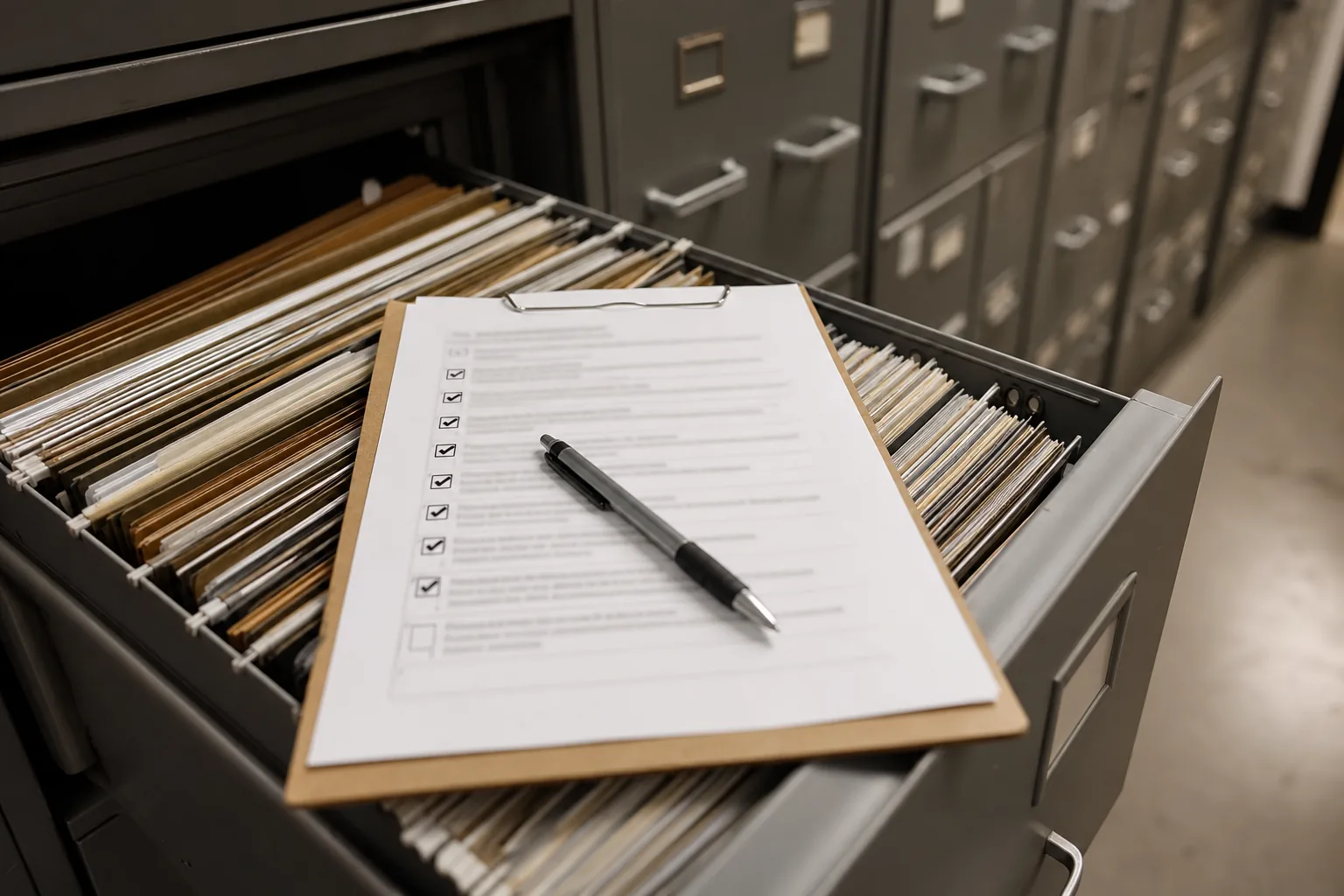
How to use this checklist
The FBI CJIS Security Policy applies to every organization that stores, processes or transmits criminal justice information (CJI). Version 6.0 reorganized it around NIST SP 800-53 Rev. 5 control families and gave controls priorities P1 to P4 that phase in over time, P1 first. Many states still audit against v5.9.5 during the transition, so a good checklist covers both views. Each item below is one thing an auditor can ask you to prove. If you cannot point to a document, a record or a screenshot, treat it as open. For the full picture of what sits behind each item, read our guide to CJIS compliance requirements.
- Work through one group at a time and mark each item as done, partly done or open.
- Write down who owns each open item, not just what is missing.
- Keep proof next to the item, so the audit is a lookup and not a search.
Governance and agreements
9Agreements decide who is responsible for what before anyone touches CJI. Auditors usually start here.
- A current copy of the CJIS Security Policy version your CSA audits against.
- A named Local Agency Security Officer (LASO) or security point of contact.
- A signed CJIS Security Addendum for every private contractor with access to CJI.
- Signed certification pages for each contractor employee covered by the addendum.
- A management control agreement for any government noncriminal justice agency that manages systems for you.
- Information exchange agreements for every outside party you share CJI with.
- A written list of the systems, locations and networks that store, process or transmit CJI.
- A network diagram that shows where CJI flows and where it is protected.
- Written security policies, approved and dated, with a review at least once a year.
People
7Most findings at small organizations are about people records, not technology. These items are easy to fix when you track them.
- A state and national fingerprint-based record check for everyone with unescorted physical or logical access, completed before access.
- A record of the date and result of each background check.
- Security and privacy awareness training completed before access or within the policy window.
- Annual refresher training for every person on the list, with completion dates.
- Role-based training for people with logical access and for IT and privileged roles.
- A procedure for handling personnel who leave or change roles, including access removal.
- Escort rules for visitors and staff without a completed check.
Access and identity
7Access control proves that only the right people reach CJI and that you notice when that changes.
- Unique user accounts for every person, with no shared logins for CJI systems.
- Multi-factor authentication for all access to CJI, called advanced authentication in older policy versions.
- Password rules in line with NIST SP 800-63B style guidance, covered in our page on CJIS password requirements.
- An account management process for creating, reviewing and disabling accounts.
- Prompt revocation of access when a person leaves or no longer needs it.
- Least privilege for administrator and service accounts.
- Session lock after a period of inactivity on devices that reach CJI.
Data protection
7Data protection covers how CJI moves and where it rests.
- Encryption of CJI in transit outside a physically secure location, using FIPS 140-2 or FIPS 140-3 validated modules.
- Encryption of CJI at rest outside a physically secure location, with the same validated modules.
- A record of module validation certificate numbers, described in our page on CJIS encryption requirements.
- Boundary protection such as firewalls between CJI systems and other networks.
- Mobile device management for phones, tablets and laptops that touch CJI.
- Patching and vulnerability scanning on a defined schedule.
- Configuration baselines for servers, workstations and network devices.
Monitoring and response
6Monitoring shows that you can see what happens to CJI and act when something goes wrong.
- Audit logging enabled on systems that store, process or transmit CJI.
- Regular review of logs, with a record of who reviewed them and when.
- A written incident response plan with roles and contact details.
- A procedure for reporting incidents to your CSA and to the agency that owns the data.
- A test or tabletop exercise of the incident plan in the last year.
- Records of past incidents, actions taken and lessons learned.
Physical and media
5Physical security and media handling are where paper, drives and visitors meet CJI.
- A defined physically secure location with controlled entry for areas that hold CJI.
- Visitor logs and escort records for those areas.
- Rules for storing and transporting digital and physical media that contain CJI.
- Sanitization or destruction of media by an approved method before disposal or reuse.
- A record of each sanitization or destruction, with date, method and witness.
The full checklist lives in Cjis
This page shows the first part. In Cjis, the full CJIS compliance checklist covers every policy area and v6.0 control family, plus information exchange agreements and mobile devices. Every requirement is a task with an owner, a status, a due date, a priority from P1 to P4, a note and linked evidence. You filter by priority, area or system, so the P1 gaps an auditor checks first are always at the top. Reminders go out before training expires, before the annual policy review and as the audit date gets closer. When an item is done, the proof sits next to it in the evidence locker, and the agency report pulls it together for your CSA or customer agency. To see how auditors use that proof, read about the CJIS audit. Cjis is an independent compliance tool, not affiliated with, endorsed by or certified by the FBI or the CJIS Division, and it is not legal advice. Cjis never stores CJI, only compliance records and evidence that contain no CJI.
- Every item mapped to a policy area and a v6.0 priority.
- Owners, due dates and status for each requirement.
- Evidence attached to the item it proves.
- One agency report built from the same record.